

What’s the best place to deploy Storybook?
If you’re looking for how to deploy Storybook, you’ve probably encountered a lot of options.
There are countless choices from any number of hosting services and cloud storage providers. It’s time-consuming to figure out best practices for deploying Storybook. We researched techniques from the Storybook community to make your decision easier.
This article gives you an overview of popular ways to deploy Storybook based on our own experiences as Storybook maintainers. It includes features, workflows, and pricing.

Why do teams deploy Storybook?
Before we begin, let’s first look at why folks deploy Storybook. We surveyed four frontend teams and the Storybook community-at-large. Along the way, we learned that shipping UI means coordinating designers, product managers, QA, and engineers.
Without a shared reference point, feedback gets scattered across outdated artifacts, static screenshots, chat, and task managers. Miscommunication follows.
Teams deploy Storybook so everyone can review the same implementation. Stakeholders can interact with the real UI without checking out code or setting up a dev environment. That leads to earlier, more precise feedback.
"Deploying Storybook each PR makes visual review easier and helps product owners think in components." – Norbert de Langen, Storybook core maintainer
Website vs component library
Most deployment services specialize in hosting websites and assets. They’re perfect for apps, marketing pages, and blogs. But when you use Storybook, you’re actually building something different: UI components.
The use case for deploying a website is distinct from deploying a component library. With websites, teams review the “whole” user experience. Whereas with component libraries, teams review discrete UI pieces in finer detail. Reviewing at the component level increases feedback precision. Which, in turn, prevents wasting time due to miscommunication.
Popular services designed for website hosting aren’t optimized for UI components. S3, GCP, and Digital Ocean offer inexpensive cloud storage, but can be a pain for frontend developers to glue together. Heroku, Vercel, and Netlify, give you automated deploy previews, but lack workflows for UI components.
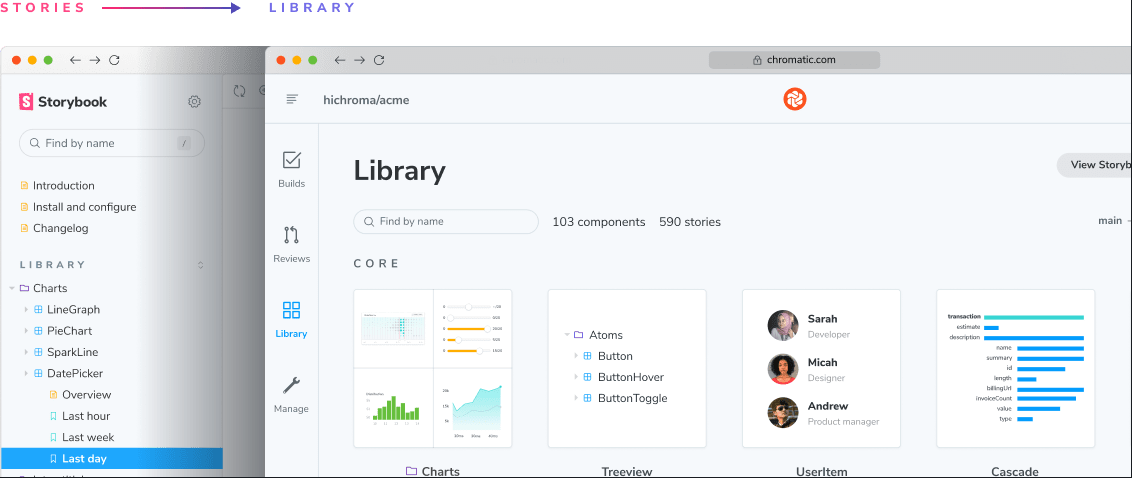
We built Chromatic for teams shipping UI across apps and design systems. It deploys your Storybook to a secure workspace. From there, every component is indexed and versioned for CI-powered review and testing.
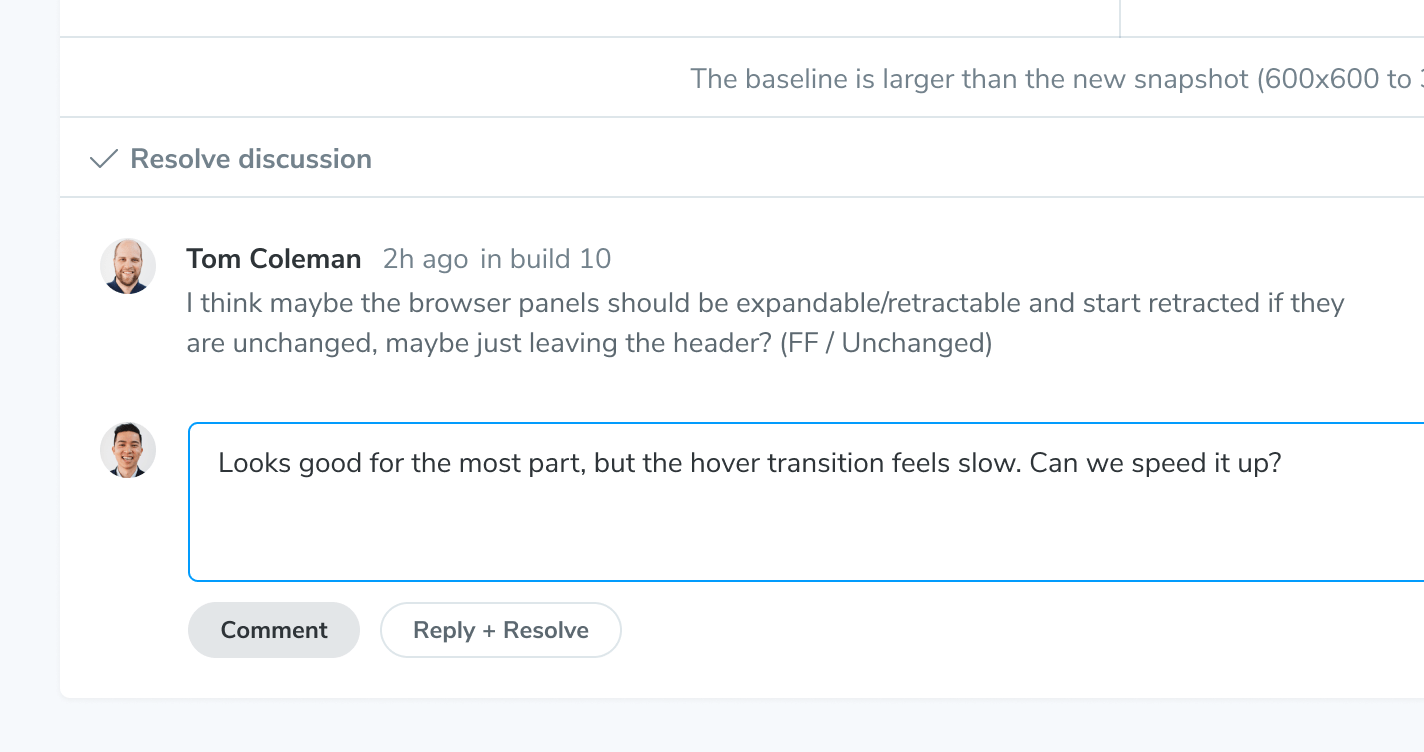
Chromatic surfaces the UI changes that matter between branches and commits. Teams can comment, assign reviewers, and stay aligned on the implementation in front of them.
Integrations with CI and Git
Chromatic integrates with your CI pipeline and Git tools. Each push deploys Storybook to a secure CDN, syncs status back to CI, and adds a badge to the pull request.
Stakeholders get a shareable URL to review the latest UI implementation. No checking out code, fussing with dependencies, or managing a local environment.

Purpose-built for frontend teams
Shipping UIs takes a team. Developers, designers, and product managers must collaborate to create engaging experiences. But sorting through all that feedback is tricky.
There are plenty of generic tools for collaboration (Slack, Zoom, email) and task management (Jira, Asana, GitHub Issues). But none focus on the needs of frontend developers. It's easy to spend more time wrangling feedback than building new features.
Chromatic is for UI development teams. Everyone can take part in the UI review process. Leave comments, assign reviewers, and track implementation progress so developers know exactly what tasks remain to ship UIs. When you’re ready to merge, the process is painless.
Help your team find and reuse your components
Large component libraries often encounter scaling challenges. For instance, duplication, searchability, and documentation... or lack thereof. Questions arise: “where was this used?”, “does this already exist?”, and “what did it use to look like?”
Typical deployment solutions don’t solve this problem. It's not their job to help you understand component history, UI changes, or interdependencies.
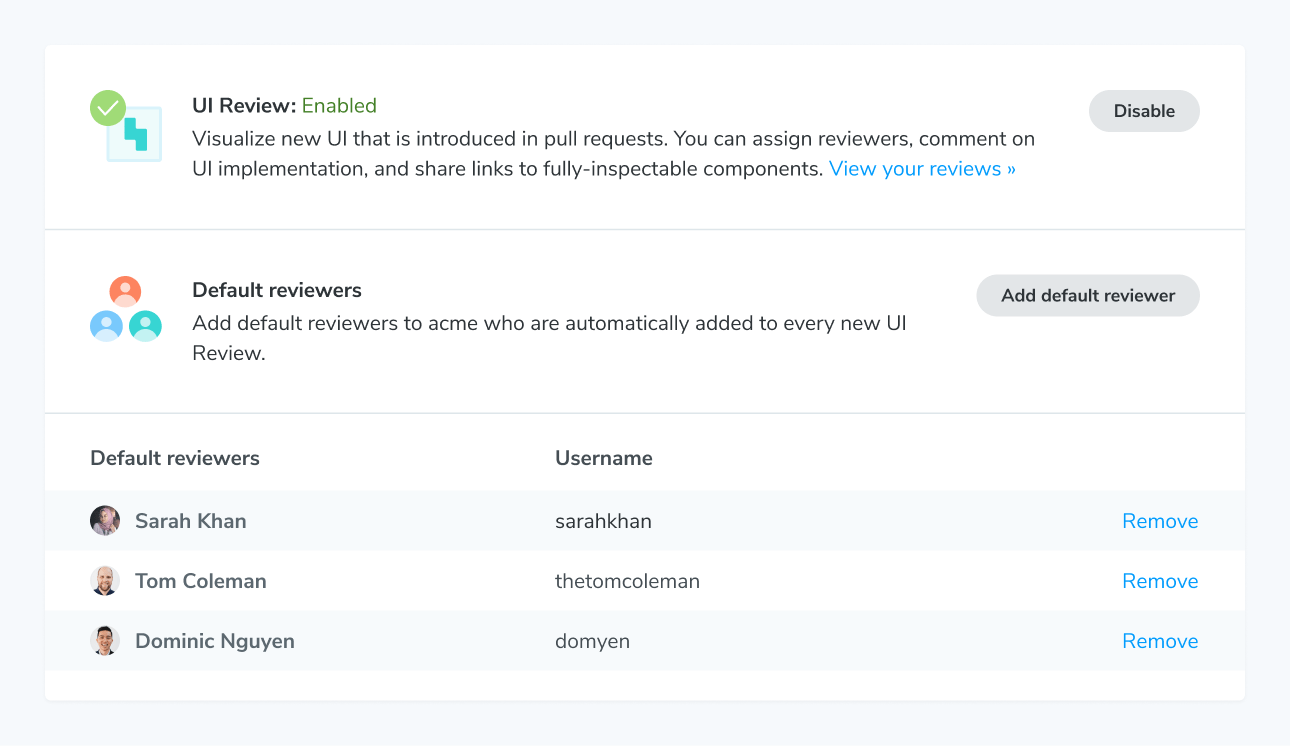
Chromatic extracts your components from Storybook into a searchable UI library that tracks them across branches and commits. Your team can see how components evolve over time and browse existing work to reuse.
Share privately with stakeholders and clients
Leading companies have strict security policies. That means frontend teams need secure and private methods to collaborate on works in progress. But granting access for collaborators (technical and non-technical) isn’t easy.
From our research, developers typically have two unenviable choices. They either skirt the security policy and deploy Storybook to a publicly accessible URL, or invest a bunch of time into building access control themselves. The former optimizes for developer experience; the latter for security.
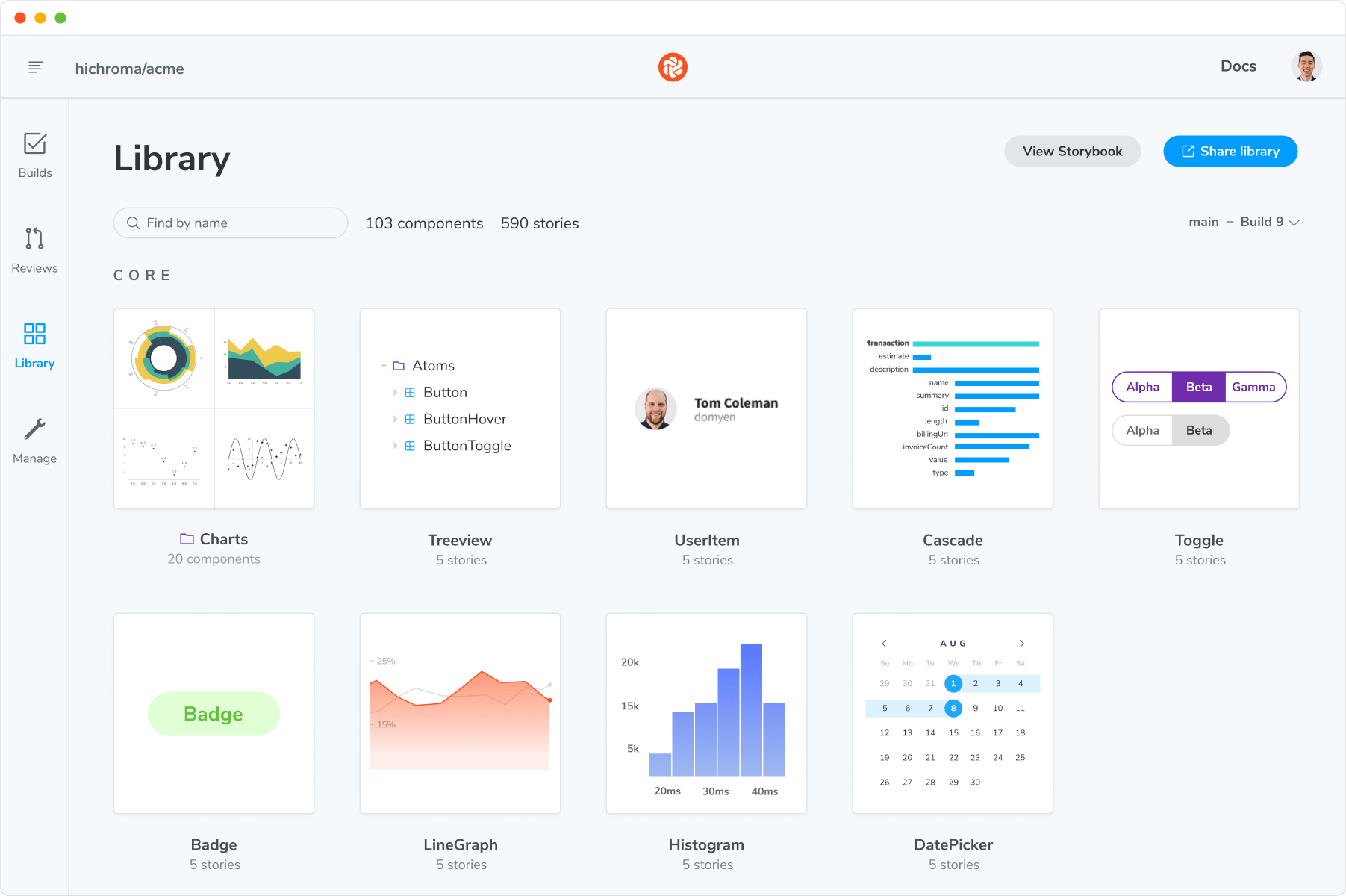
What if you could keep the developer experience simple and still adhere to best security practices? Chromatic syncs permissions with your version control service (GitHub, Bitbucket, GitLab) and deploys Storybook to a private URL accessible only to your team or invitees.
Ways to deploy your Storybook
Every service mentioned above can deploy your Storybook. So which deployment method is best for your frontend team? Here's a quick breakdown of the options.
| Specs | Chromatic (by Storybook maintainers) | Heroku, Netlify, Vercel, Surge | S3, GCP, Digital Ocean |
|---|---|---|---|
| Made for Storybook | ✅ Yes | No | No |
| Comment on stories | ✅ Yes | No | No |
| Assign reviewers | ✅ Yes | No | No |
| Component history and versions | ✅ Yes | No | No |
| Access control syncing | ✅ Yes | It depends | No |
| Integration | ✅ Frequent updates from Storybook core maintainers | You maintain | You maintain |
| CDN | ✅ Yes | Yes | It depends |
| Publish Storybook on commit | ✅ Yes | Yes | It depends |
| Git workflow support | ✅ Yes | Yes | No |
| Price | ✅ Free forever | It depends | It depends |
Which should you choose?
What’s right for your team depends on team size and workflow. Professional teams with diverse stakeholders need tools for feedback, discussion, record-keeping, and UI documentation.
Chromatic is the best Storybook deployment service for most frontend teams. It includes a suite of automated collaboration tools that help developers ship UIs faster. Integrations with Storybook, CI, and Git reduce the ops work around publishing and review. Plus, it’s free so you have nothing to lose.
Solo developers or seed-stage startups with fewer than 3 people, likely don't need to deploy Storybook. Small teams have less communication overhead. Adding another collaboration tool can be a drag on productivity.
"Deploying to Chromatic is a no brainer. Host your components with testing and collaboration tools out of the box." –Michael Shilman, Storybook core maintainer
What’s your maintenance budget?
Many deployment services are free for limited usage. But you still have to consider the cost of ongoing infrastructure maintenance. Adding services introduces new points of failure that can block your workflow.
With Chromatic, a team of dedicated Storybook experts maintains the service and integration. That reduces your operational risk.
Ready to try Chromatic?
There are a lot of considerations when figuring out how to deploy Storybook. We hope this guide helps you understand the tradeoffs so that you can find the best tool for your use case.
If you use Storybook to build production UIs, Chromatic is for you. Install the addon and deploy your Storybook to a secure workspace in minutes. Free to deploy. No credit card required. Sign up now.