Vitest Visual Testing sneak peek
Fast, reliable visual tests, debuggable snapshots, collaborative review

Vitest Browser Mode makes it easier to test components in a real browser. But even when your assertions pass, your UI can still be wrong.
Chromatic for Vitest adds visual testing to your browser tests, with cloud snapshots, debugging, and team review built in. The integration is built by Vitest core maintainer Ari Perkkio for a native developer experience.
- Cover visual states in Vitest: Snapshot key UI states from Browser Mode.
- Capture real interactions: Verify appearance after clicks, typing, and loading.
- Run browsers in the cloud: Avoid drift with consistent, parallel infrastructure.
- Debug what rendered: Inspect the DOM, styles, assets, and UI state.
- Review before merge: Accept or request changes in a shared workspace.
But doesn’t Vitest already have visual testing?
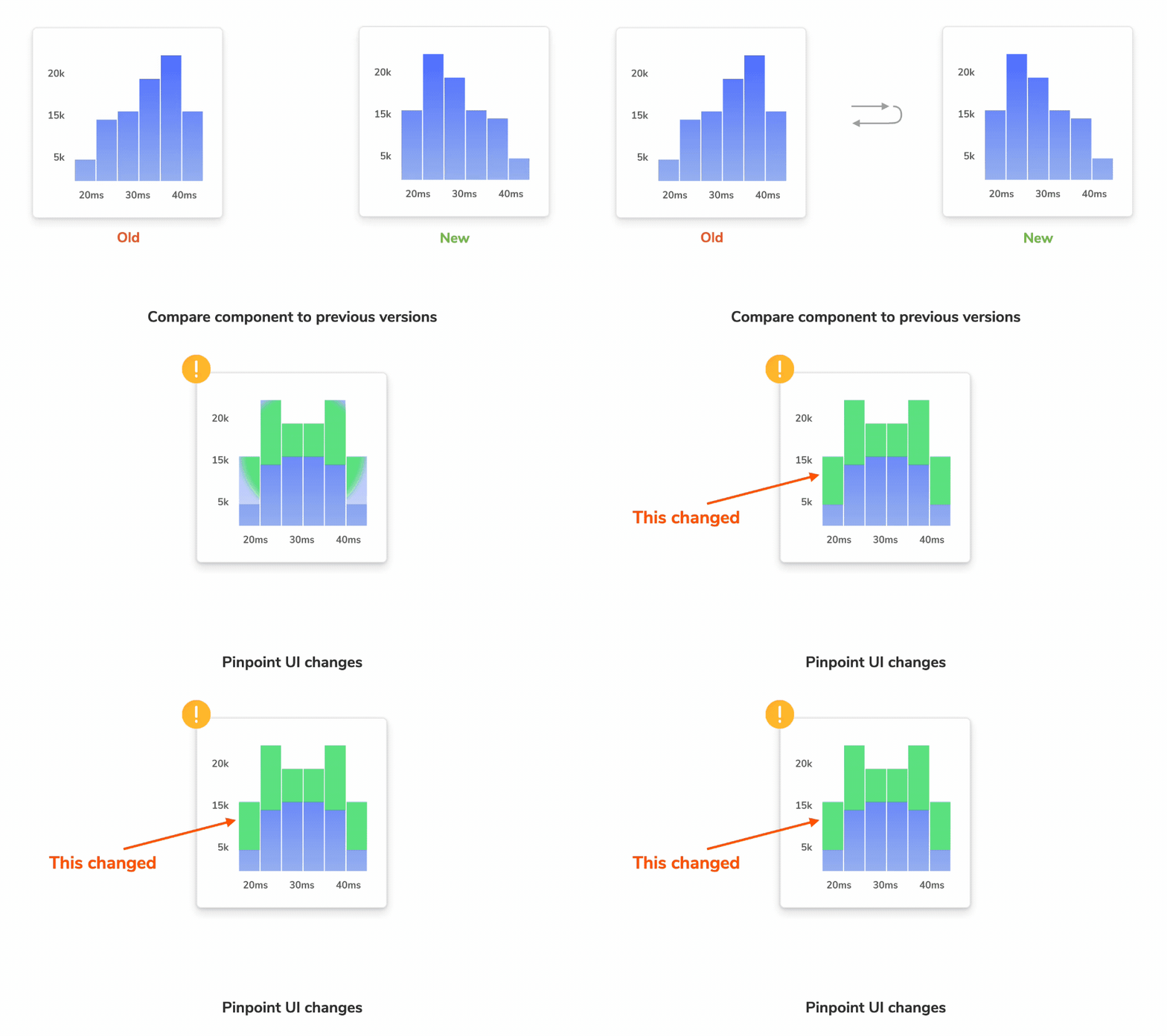
Yes. Vitest includes a visual regression API for taking screenshots, comparing diffs, and storing snapshots alongside your tests. For small teams that can be enough.
Chromatic is for teams that need that workflow to scale. It moves visual testing into a consistent cloud environment, parallelizes capture for speed, helps stabilize flaky results, and turns diffs into a review process your whole team can use.
How visual testing with Chromatic works
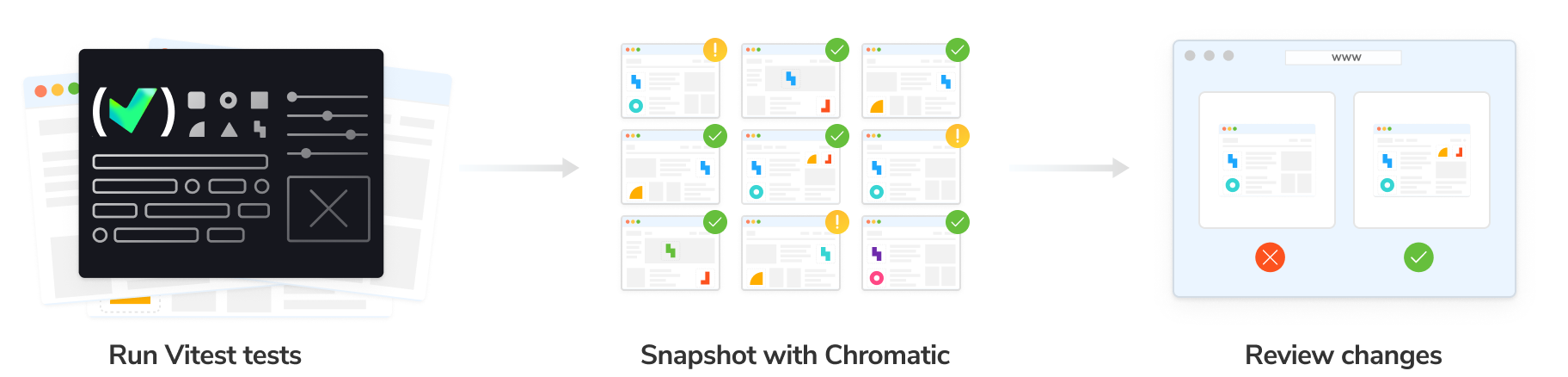
Vitest Browser Mode creates the component state. Chromatic captures what that state looks like.
When your Vitest suite runs, Chromatic uploads the test output, renders each snapshot in a standardized cloud browser, and compares it against the accepted baseline.
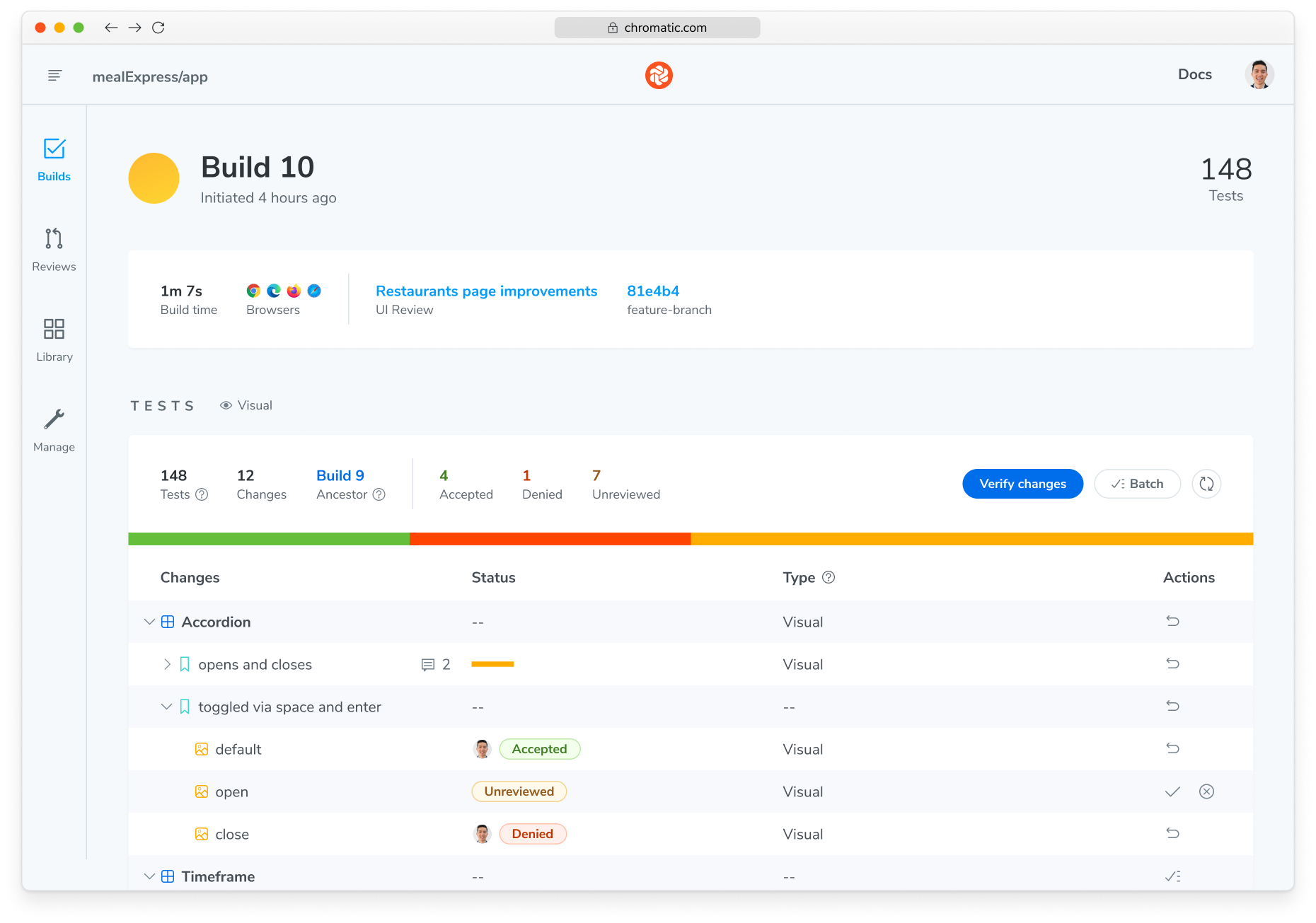
If a visual change appears, Chromatic reports it in your pull request so your team can inspect the diff and decide whether to accept it.
Add Chromatic to your Vitest tests
Chromatic snapshots the end of each test by default. You can also capture snapshots at specific points in a test with takeSnapshot, which is useful for interactions like opening a menu or typing into an input.
// Accordion.test.ts
import { test, expect } from 'vitest';
import { page } from 'vitest/browser';
import { render } from 'vitest-browser-react';
👉 import { takeSnapshot } from '@chromatic-com/vitest';

import { Accordion } from '../src/components/Accordion';

test('can open accordion', async () => {
  await render(
    <Accordion header="Shipping details">
      Ships within 3 business days
    </Accordion>
  );

  👉 await takeSnapshot('closed');

  const toggle = page.getByRole('button', { name: 'Shipping details' });
  await toggle.click();

  const content = page.getByText('Ships within 3 business days');
  await expect.element(content).toBeInTheDocument();

  👉 await takeSnapshot('open');
});
In this example Vitest test, the assertion verifies that the accordion opens. Chromatic adds snapshots to verify how the closed and open states render. The same test catches both behavioral problems and visual regressions.
Run visual tests in a standardized cloud environment
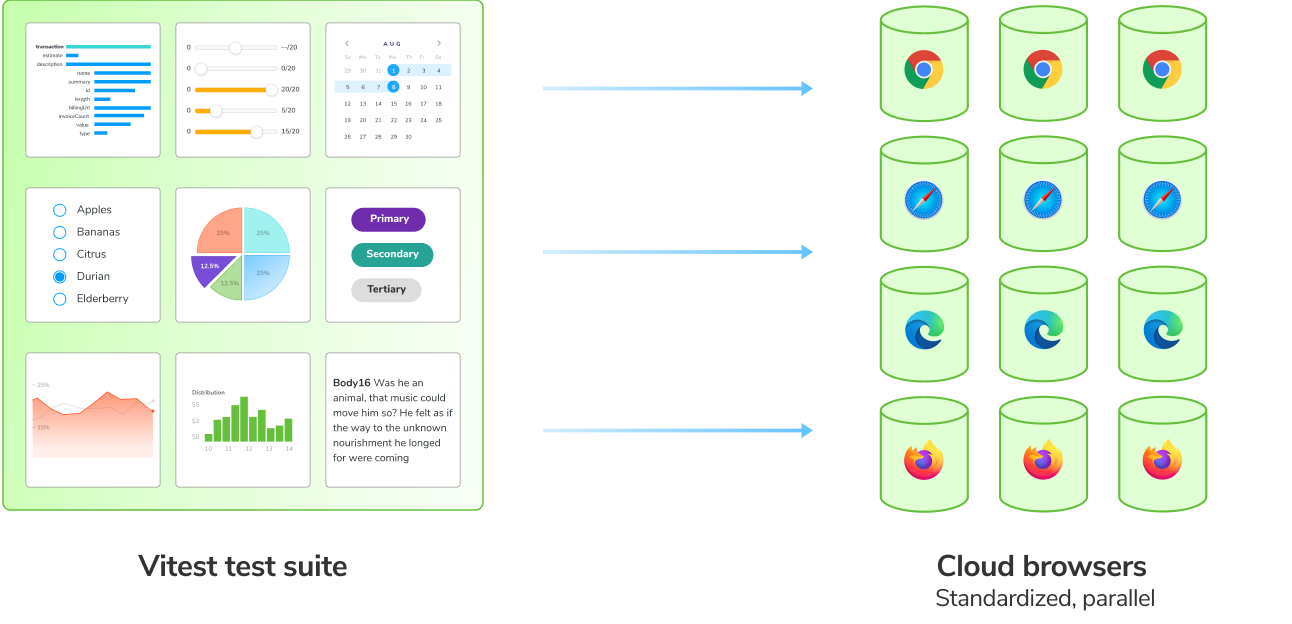
Visual tests are sensitive to browser versions, fonts, operating systems, timing, animations, viewport differences, and asset loading.
Chromatic runs visual tests in a dedicated cloud environment optimized for UI rendering stability. Test runs are parallelized by default, so teams get the fastest possible test times without tying speed to the size of your CI runner.
When Chromatic detects potential flake from things like loading states or animations, features like SteadySnap help stabilize the result automatically.
Debug tests, not screenshots
Screenshot diffs can show that something changed, but not always why. Chromatic captures the image alongside the rendered test output: HTML, CSS, JavaScript, and assets.
When a visual test fails, you can open the captured state in a browser and inspect the rendered DOM with your own dev tools. Because that state is published to Chromatic, you can share a link with a teammate so they can debug the same output without pulling a branch or rerunning the test suite.
Visual tests catch mistakes from AI agents
AI agents can generate UI changes faster than teams can manually inspect them. The code compiles, the tests pass, and the behavior looks covered. But the rendered UI can still be wrong.
Visual testing helps catch the kind of UI mistakes that agents can’t see themselves.
Get early access
Sign up to early access to get hands-on setup help from our team and a chance to shape the Vitest workflow before general availability. Free usage during early access.
Sign up for Early Access